
How to Search Pinellas County Court Records
The primary starting point for Pinellas County court records is the Clerk "View Records" page at mypinellasclerk.gov. From there you can reach two separate systems: the Court Records Public View portal for case dockets and documents, and the Official Records portal for recorded instruments such as deeds, mortgages, and marriage licenses. Most users looking for a criminal, civil, or traffic case should start with Court Records Public View, which is free and requires no login for those case types. Family and probate cases require a registered user account.
Before you start, gather what you know. A case number speeds up the search. Pinellas criminal case numbers follow a format like 25-01828-CF-1 for the local Clerk number or a longer statewide uniform case number such as 522020CF000088000APC. If you only have a name, use broad spelling and be ready to scroll through results. For paper or microfilm records from older cases, call the Clerk at (727) 464-7000 before visiting so staff can confirm which location holds the file.
- Go to the Clerk View Records page and select "Court Records Public View" for no-login access to criminal, civil, and traffic cases.
- Enter the case number if you have one. If not, search by party name and try spelling variations, especially for common surnames or names with spaces.
- Review the docket entries listed. Each entry shows the filing date, document type, and action taken. Click any available document link to read the filing.
- Use the Court Calendar option when your goal is finding an upcoming hearing date rather than reading past docket entries.
- If a document is missing from online view, check whether the case is family or probate (which requires a registered login), whether the record is juvenile or sealed, or whether redaction is still pending. For certified or hard-copy versions, submit a request through the Pinellas Public Records Request Center; the Clerk will quote the cost by email.
- Write down the full case number after you find a record. You will need it for copy requests, E-Notify alerts, payment questions, and any follow-up calls to the Clerk.
- For recorded instruments such as judgments filed as liens, deeds, or marriage licenses, switch to the Official Records portal and search by name, instrument number, document type, or book and page.
Note: the Clerk's record search fee of $7.00 per name applies when Clerk staff search on your behalf, not when you search the free online portal yourself.
Pinellas County Court Records Search Fields
The Court Records Public View portal at courtrecords.mypinellasclerk.gov accepts several search inputs. Understanding each field helps you get results faster and avoid empty searches. Case number is the most direct route. Party name works well when you know the person or business but not the case number. The other filters narrow results once you have a name match.
| Field Label | Type | Required | Notes / Format |
|---|---|---|---|
| Case number | Text | No (optional if using name) | Local format: 25-01828-CF-1. Statewide uniform format: 522020CF000088000APC. Try both if one returns no results. |
| Party name | Text | No (optional if using case number) | Search by person or business name. Use broad spelling and try maiden names or alternate spellings. |
| Court calendar option | Tab / filter | No | Use when you need an upcoming hearing date rather than past docket entries. Separate from the historical docket search. |
| Case type / category | Dropdown / tab | No | Criminal, civil, and traffic are visible through Public View. Family and probate require registered login. |
| Attorney tab / My Cases | Checkbox / filter | Attorney login only | Can populate with attorney bar number. Attorney accounts show confidential documents only for cases where that attorney is attorney of record. |
| Date range | Date fields | No | Attorney and registered views may permit filtering active or inactive cases within a date range. |
| Register / login | Link | Conditional | Required for registered user, attorney, or gatekeeper access. Family and probate require at least registered-user login for online document viewing. |
The Clerk also maintains the Official Records portal at officialrecords.mypinellasclerk.gov for recorded instruments. That portal accepts name, instrument number, document type, record date, book and page, case number, legal description, and a consideration (price) range for conveyance documents. Official Records and Court Records are separate systems. Use Official Records for deeds, mortgages, and liens; use Court Records for case dockets and filings.
Types of Pinellas County Court Records
Pinellas County's court system produces several distinct categories of records. The Circuit Court handles the larger cases, including felonies, civil matters over $50,000, family law, probate, guardianship, and juvenile proceedings. County Court handles misdemeanors without a concurrent felony, small claims up to $8,000, landlord-tenant disputes, ordinance violations, and civil matters within its monetary limit. The Clerk of the Circuit Court and Comptroller is the unified record custodian for both courts as well as for recorded instruments in Official Records.
Most of these record types are public under Florida law, though some categories carry access restrictions. Traffic and criminal case records are among the most searched, and both are available through the free public portal without a login. Family and probate records carry stricter access rules and require a registered account for online document viewing. Juvenile and adoption records are not available online at all and must be handled through special Clerk procedures with identification requirements.
- Criminal records cover felony and misdemeanor cases, including informations, indictments, arraignments, plea documents, judgments, sentences, probation orders, bond information, and court dates. Felonies are Circuit Criminal; misdemeanors without a concurrent felony are County Criminal. See Pinellas County arrest records for arrest-specific information.
- Civil records include complaints, answers, motions, orders, judgments, and appeal documents. Circuit civil covers larger disputes and real property matters including foreclosure. County civil covers smaller disputes and landlord-tenant evictions.
- Traffic and criminal traffic records include citations, election forms, payment history, pleas, hearing dates, dispositions, and driver-school elections. DUI and other criminal traffic matters route through Circuit or County Criminal. Note that a court traffic record is not the same as your state driver record, which is held by DHSMV.
- Family records cover divorce, child support, time-sharing, paternity, adoption, domestic violence injunctions, juvenile dependency and delinquency, and termination of parental rights. Public access is more restricted for family, juvenile, adoption, and protected-victim materials.
- Probate records include wills, petitions for administration, inventories, accountings, guardianship petitions, incapacity proceedings, and mental-health-related filings. See Pinellas County probate records for more detail.
- Small claims records cover disputes of $8,000 or less and include statements of claim, service documents, settlement agreements, and final judgments.
- Official Records are recorded instruments such as deeds, mortgages, liens, plats, marriage licenses, and powers of attorney. These are separate from case dockets, though court judgments may be recorded into Official Records as liens.
What Pinellas County Court Records Show
A court record in Pinellas County is more than a single document. It is a case file containing a docket (the chronological activity log), filed documents, financial entries, and hearing information. The fields visible in a public search result depend on the case type and access level, but most criminal, civil, and traffic cases expose a consistent set of data points. Social Security numbers, bank account numbers, credit card numbers, and debit account numbers can be redacted from records on request under Florida law. Driver's license numbers may not be removed under current Clerk redaction instructions.
| Field | What It Shows |
|---|---|
| Case Number | The Clerk's local case number, such as 25-01828-CF-1, and sometimes the statewide uniform case number in a longer format. Use this number for all follow-up requests and court appearances. |
| Case Type | CF for circuit felony, MM for misdemeanor, civil, county civil, small claims, family, probate, traffic, ordinance, and others. The type code tells you which court and division handled the case. |
| Filing Date | The date the case or document was filed with the Clerk. Docket entries also carry individual dates showing when each action occurred. |
| Court / Division | Circuit Criminal, County Criminal, Circuit Civil, County Civil, Family, Probate, Traffic, or Small Claims. Each division has its own rules and judge assignment. |
| Parties | Plaintiff and defendant in civil cases; state and defendant in criminal cases; petitioner and respondent in family cases; decedent, ward, guardian, or personal representative in probate. Attorney names and bar numbers may also appear. |
| Docket Entries | A dated log of every action in the case: complaint filed, summons issued, return of service, motions filed, orders entered, hearings set, pleas entered, dispositions, judgments, sentences, and appeals. This is the core of the case record. |
| Hearing Information | Date, time, courtroom, judge, and hearing type for scheduled proceedings. Use the Court Calendar option in the portal to check upcoming dates. |
| Financial Fields | Filing fees, fines, court costs, restitution, payment plan status, bond amounts assessed, registry deposits, and garnishment amounts where applicable. |
| Disposition | The current or final outcome of a charge or case. Examples include guilty plea, not guilty verdict, nolle prosequi (charge dropped), dismissed with or without prejudice, and judgment for plaintiff or defendant. |
| Documents | Pleadings, motions, orders, judgments, and notices available as images. Availability depends on case type, security level, redaction status, and scan date. Older documents may be on microfilm only. |
Arrest records are not the same as conviction records. A booking record shows that a person was arrested and charged, not that they were found guilty. Always check the disposition field in the Clerk's court record before drawing conclusions. The Clerk is the correct source for final case outcomes. The Pinellas County Sheriff's Office arrest inquiry shows booking and custody data, which is separate from the court disposition.
Public Access Framework for Pinellas County Court Records
Florida's public-records framework begins with Article I, Section 24 of the Florida Constitution, which guarantees every person the right to inspect or copy public records. Chapter 119, Florida Statutes defines public records, sets inspection rights, establishes fees, and lists exemptions. For Pinellas court records specifically, Florida Statutes section 119.07 is the workhorse provision: custodians must produce nonexempt portions of a record and state the statutory basis for any exemption claimed. They cannot withhold an entire file because one part is exempt; instead, the exempt portion is redacted and the rest is released. Section 119.0714 addresses court files and official records specifically and is the statutory backdrop for redaction requests and protected-address treatment in Clerk systems.
Court records are also governed by Florida Rule of General Practice and Judicial Administration 2.420, which specifically controls judicial branch records. Rule 2.420 defines court records, sets the standards for confidential information, outlines clerk duties, and ties remote electronic access to Florida Supreme Court standards. Rule 2.425 complements it by minimizing unnecessary sensitive information in filed documents. The practical result for Pinellas users is that remote portal access and in-person courthouse access are not identical. The Clerk's security matrix and Florida law together determine whether a document is visible anonymously online, visible only to registered users, available only at a courthouse terminal, or fully confidential.
Fees are governed by the Clerk's published fee schedule and Chapter 119. Copying public records costs $0.15 per page one-sided or $0.20 two-sided. Certified copies cost $2.00 per certification. If Clerk staff must search on your behalf, the record search fee is $7.00 for the first name searched plus $2.00 for each additional year where a record is found. If a custodian denies access unlawfully after proper notice, the requester may seek attorney fees under Florida Statutes section 119.12 by filing a civil action.
Anyone can inspect public court records. No special credentials are required for records that are open to general public view. Registered user accounts expand access to family and probate cases within the limits of Florida access rules. Attorney accounts allow greater access only for cases where the attorney is attorney of record. Public view terminals at Clearwater Courthouse, the Justice Center, North County, and St. Petersburg Judicial Building offer access to records that may not be available remotely, subject to confidentiality restrictions.
Note: The Clerk does not provide statewide Florida criminal history or national criminal history checks; those come from FDLE and the FBI respectively.
Records That Are Sealed or Confidential in Pinellas County
Not every Pinellas County court record is open to public view. Florida law and court rules carve out several categories that are restricted, confidential, or available only under limited conditions. Juvenile delinquency and dependency records are not available online through the Pinellas Clerk. Requests involving juvenile cases must be handled carefully and may require the defendant to appear in person with valid identification. Adoption records are confidential under Florida law; identifying court records are sealed except as statutes or court orders allow. Mental health proceedings, including Baker Act and Marchman Act cases handled through the Probate and Guardianship Division, carry clinical record confidentiality under Florida Statutes section 394.4615. Sealed and expunged criminal cases are removed from public court view after court order and Clerk processing.
Sealing and expunction are related but different. Under Florida Statutes section 943.059, sealing makes eligible criminal history confidential but does not destroy it. Under Florida Statutes section 943.0585, expunction removes eligible criminal history from ordinary public access and requires agencies to destroy or obliterate records subject to statutory exceptions. Both require eligibility review and a court order. The process starts outside of court: the applicant completes an application and fingerprint card, obtains certified copies of dispositions, and mails those items with a $75 cashier's check or money order payable to FDLE. If eligible, FDLE mails a Certificate of Eligibility. The petitioner then files the certificate with the Clerk and pays the Clerk filing fee, currently $42 plus any applicable copy, certification, notary, or mailing costs. The State Attorney has an opportunity to respond, and the judge decides whether to grant the order. Common reasons for denial include ineligible charges, a prior sealing or expunction, open charges, or missing documents.
Other restricted categories include victim identifying information protected under Marsy's Law and related statutes, financial identifiers such as Social Security numbers and bank account numbers that can be redacted on request, military discharges and death certificates in Official Records that require subscriber access online, and family or probate records that may not be visible remotely even if courthouse terminal access is possible. Records containing sensitive information may be delayed online until redaction is complete.
Note: Absence of a case in public search results may mean the case is sealed, expunged, juvenile, or pending redaction rather than nonexistent.
In-Person Court Record Requests in Pinellas County
The Clerk of the Circuit Court and Comptroller operates several locations where you can view records in person and request copies. Clearwater Courthouse is the main location for civil, family, probate, and official records. Criminal court records and jury service are handled at the Pinellas County Justice Center. St. Petersburg Judicial Building serves South County users and has a Self Help Center. The North County branch at the Fessler Center serves residents in north Clearwater, Safety Harbor, Dunedin, Palm Harbor, and Tarpon Springs. Confirm the exact service before traveling because not every function is performed at every branch. Bring government photo identification, any case number you have, and a hearing notice if attending a scheduled proceeding. Call (727) 464-7000 first for older paper or microfilm records so staff can confirm which location holds the file and whether it needs to be pulled from storage. Confirm current hours before visiting.
Clerk of the Circuit Court and Comptroller
315 Court Street
Clearwater, FL 33756
(727) 464-7000
Confirm current hours before visiting
For records that are not available through the online portal, you can also submit a request through the Pinellas Public Records Request Center. That web portal accepts requests for court cases, official records, and copy services when online access is unavailable or when certified copies are needed. The Clerk contacts the requester by email with a cost quote before processing the order. Public view terminals at courthouse locations can provide access to records not available remotely, subject to confidentiality restrictions.
Federal Court Records for Pinellas County
Pinellas County falls within the U.S. District Court for the Middle District of Florida, Tampa Division. The Tampa Division serves Pinellas, Hillsborough, Pasco, Manatee, Polk, Hardee, and Sarasota counties. Federal court handles federal crimes, civil-rights cases, federal-question civil suits, diversity jurisdiction civil cases, and habeas or prisoner litigation. Federal cases are entirely separate from the Pinellas County Clerk's records. The Clerk's portal does not contain federal dockets; you must use PACER for those.
The U.S. District Court, Middle District of Florida, Tampa Division page provides the courthouse address, phone, and hours for the Sam M. Gibbons United States Courthouse at 801 North Florida Avenue, Tampa, FL 33602. The federal clerk's office phone is (813) 301-5400 and clerk hours are 8:30 a.m. to 4:00 p.m., Monday through Friday except holidays. Visitors must present valid official photo identification.
The Tampa Division courthouse page at flmd.uscourts.gov lists current contact information, services available at the Tampa location, and directions for federal court users from Pinellas County.
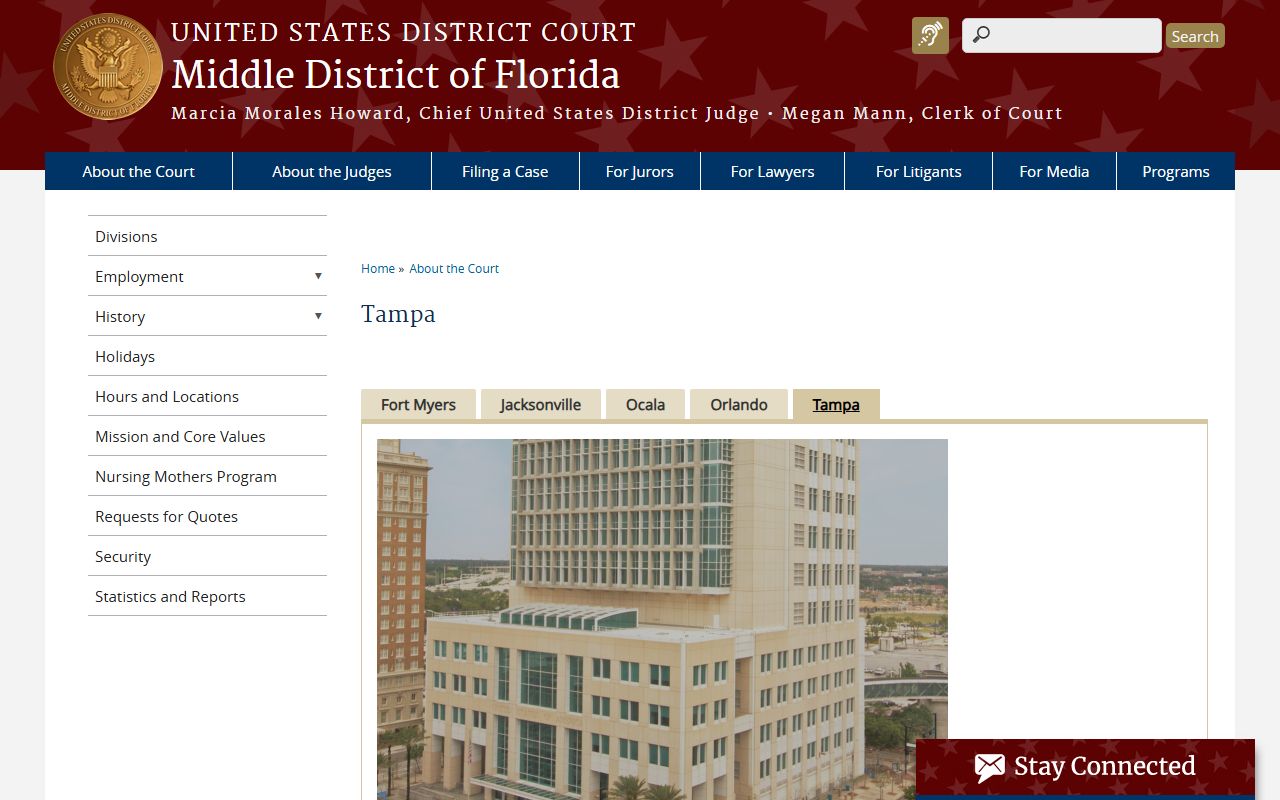
The Tampa federal courthouse serves federal court users from Pinellas County for district-court matters. Federal bankruptcy cases in Pinellas are handled by the U.S. Bankruptcy Court for the Middle District of Florida, not by the county Clerk.
PACER (Public Access to Court Electronic Records) is the federal system for docket and document access. The PACER CM-ECF lookup for FLMDC provides access information and help-desk contact for the Middle District. Public users can create PACER accounts; fees and fee waivers follow federal PACER policy. CM/ECF is the electronic filing system used by attorneys and authorized filers in federal court.
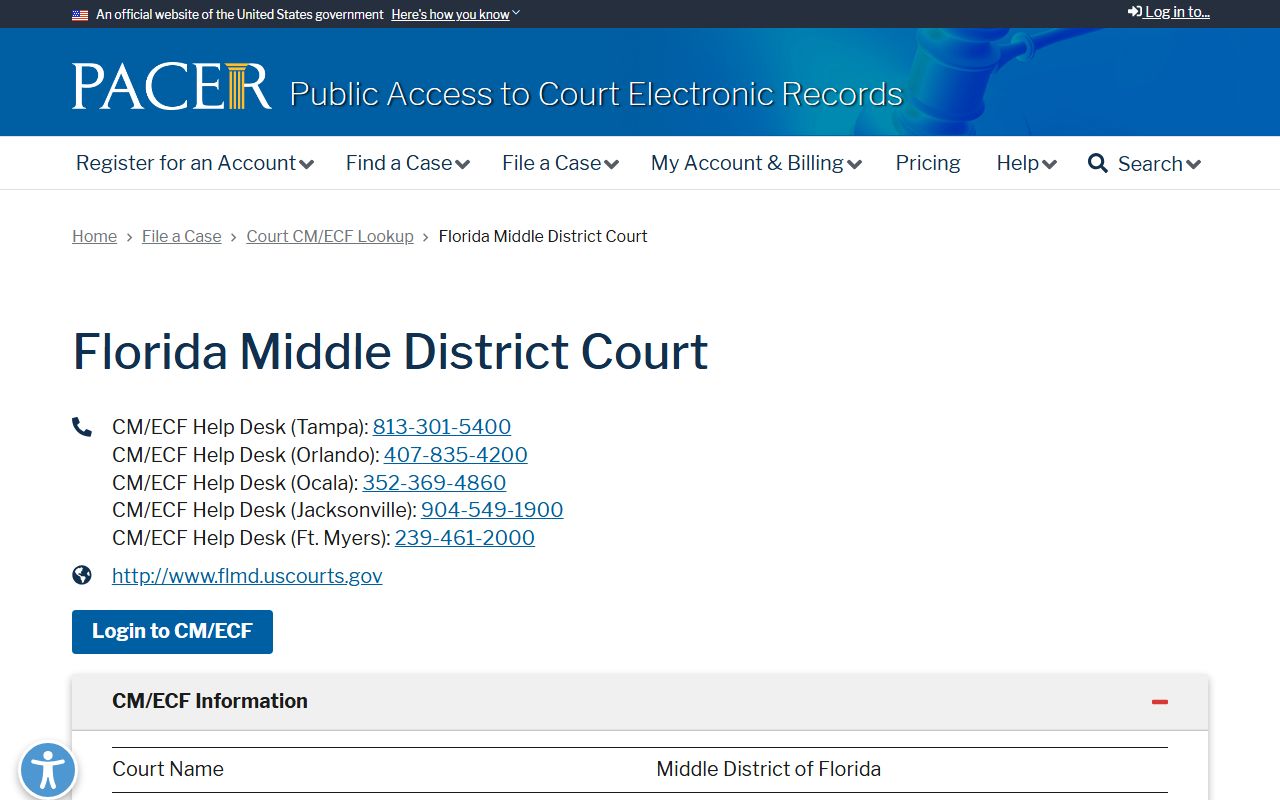
PACER allows public users to search Middle District of Florida dockets and retrieve documents. A PACER account is free to create; per-page fees apply for document downloads, though many searches and small retrievals fall within free-use thresholds.
The U.S. Attorney's Office for the Middle District of Florida handles federal prosecutions involving Pinellas County defendants and publishes press releases, case information, and contact details for the Tampa office.
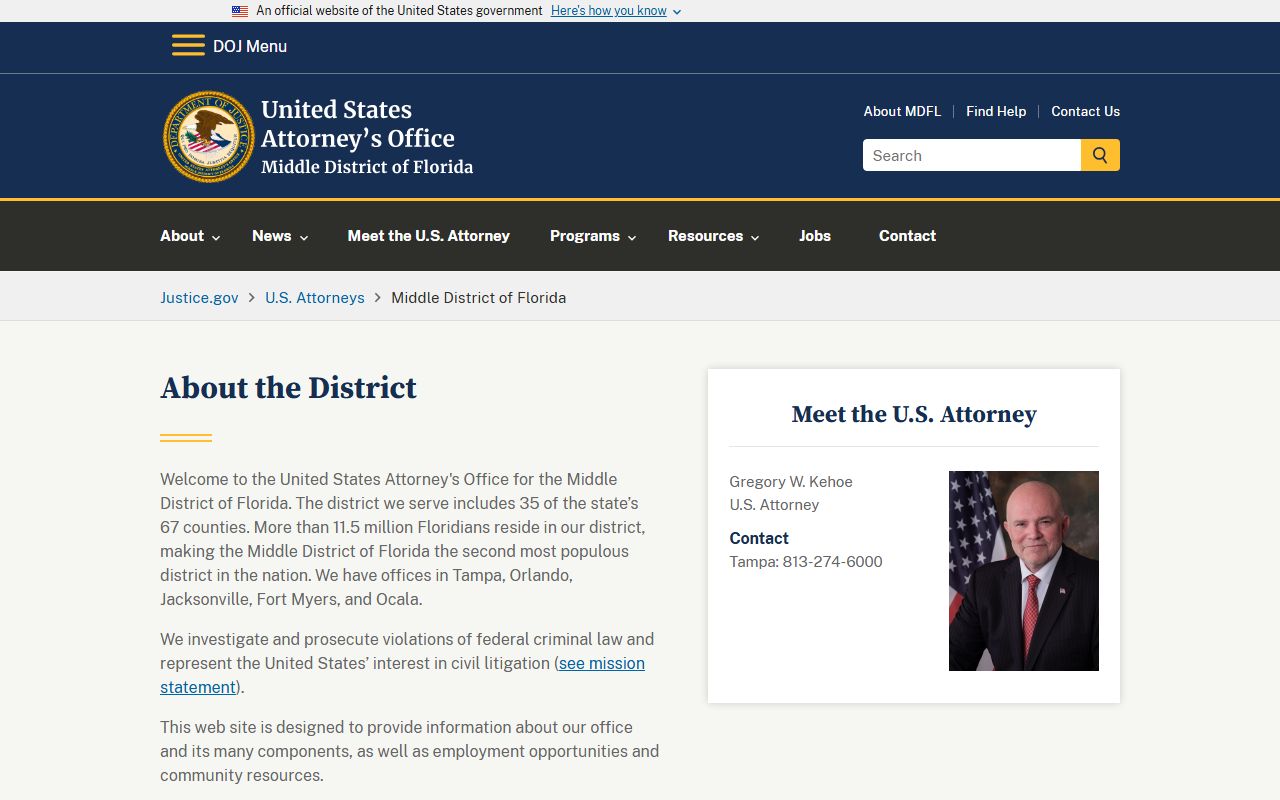
The U.S. Attorney's Office page lists the current U.S. Attorney, Tampa contact information at (813) 274-6000, and published case summaries. Federal appeals from Middle District decisions go to the U.S. Court of Appeals for the Eleventh Circuit.
When to Use Another Agency for Pinellas Records
The Pinellas Clerk's portal is the right tool for county court case dockets, criminal and civil records, traffic case records, and recorded instruments. But several other agencies hold records that the Clerk does not maintain. Knowing which agency to contact saves time.
- Current jail custody: search the Pinellas County Sheriff arrest inquiry at pinellassheriff.gov for persons currently in the Pinellas County Jail or released within the past 30 days.
- Statewide criminal history: contact the Florida Department of Law Enforcement (FDLE) at offender.fdle.state.fl.us for a statewide criminal history background check. FDLE also maintains the sex offender and predator registry.
- State prison or supervision records: search the Florida Department of Corrections at fdc.myflorida.com for persons sentenced to state prison or placed on state supervision. County jail inmates are not in the FDOC system.
- Federal custody: use the Bureau of Prisons inmate locator at bop.gov for persons in federal custody. Federal records do not appear in the Pinellas Clerk system.
- Driver record: the Florida Department of Highway Safety and Motor Vehicles (DHSMV) holds the state driver record. A court traffic case record and a driver license record are separate files from different agencies.
- Prosecution or defense case questions: contact the State Attorney's Office for the Sixth Judicial Circuit for prosecution questions or the Public Defender's Office for defense-related inquiries.